App
In-App Payments
Get paid faster with less hassle. In-app payments let your tenants pay rent directly through the August app, so you can spend less time chasing and more time managing.
How it works
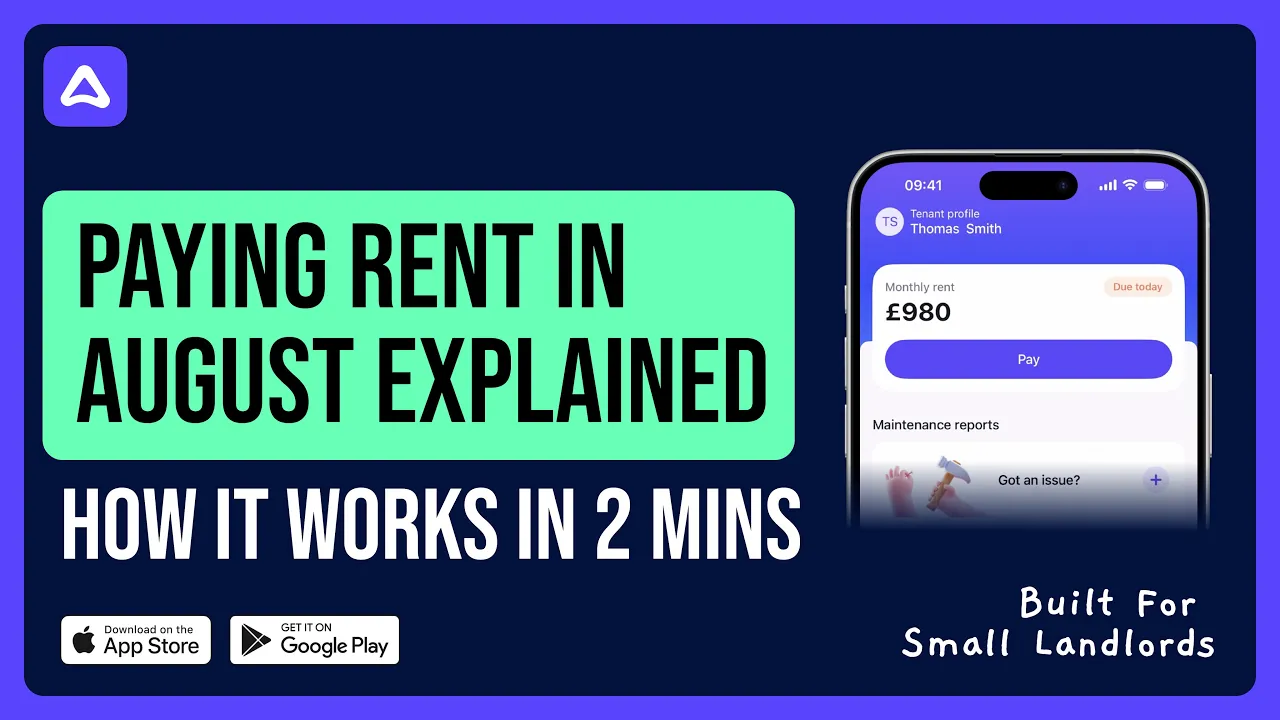
When you enable in-app payments for a tenancy, your tenant sees a Pay rent button in their app with the exact amount due. They tap, pay, and that's it.
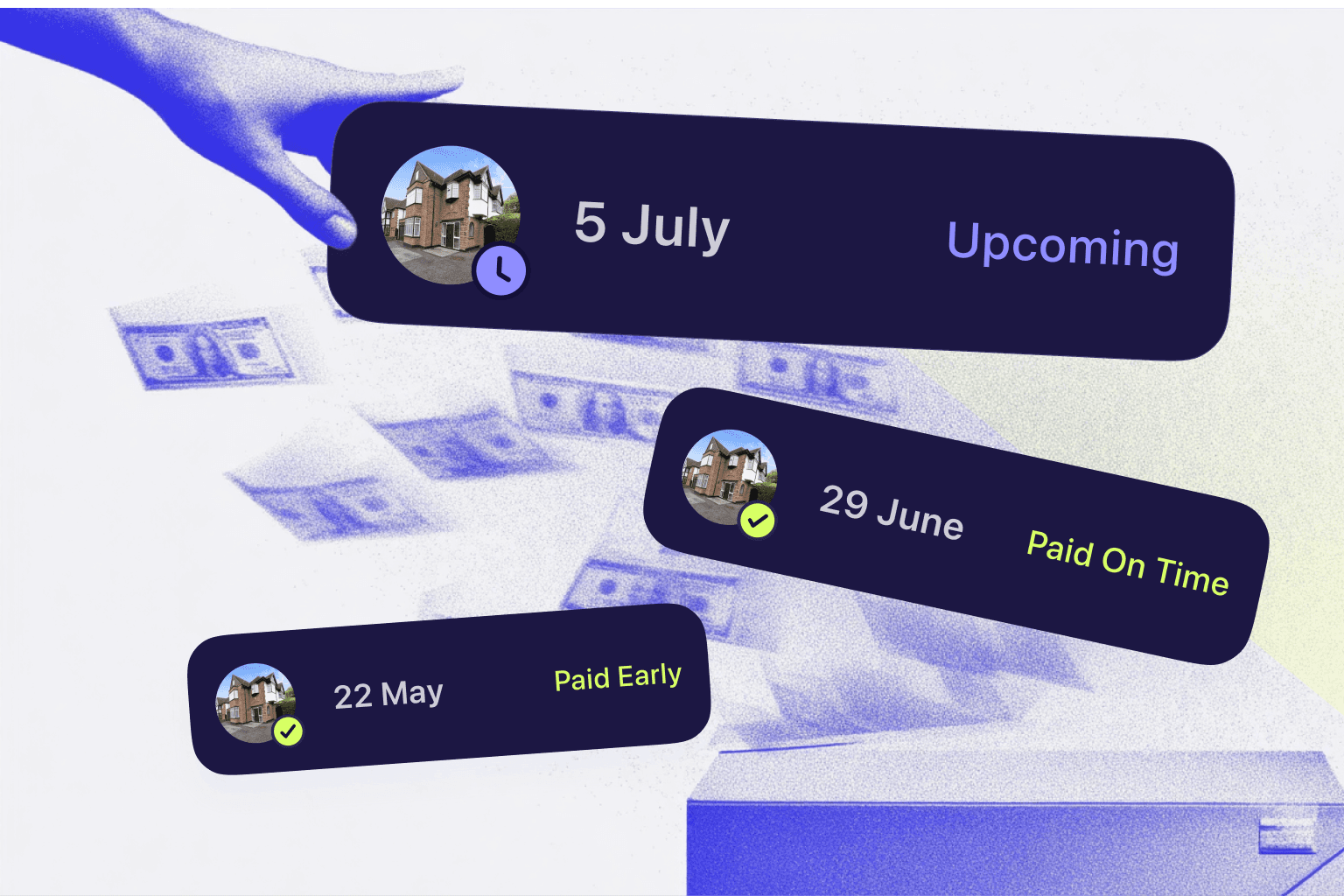
Payments go straight from your tenants account directly to your connected bank account. August automatically matches them in our app to the right tenancy. You'll see everything update in real time on your payments screen. Importantly, August does not hold client money.
Setting up in-app payments
You can turn in-app payments on or off for each tenancy individually. This means you can use it for some tenants while keeping things manual for others, whatever works best for you.
To enable in-app payments:
Go to the tenancy you want to update
Scroll down to the bottom of the page and find In-app payments under Advanced Details
Toggle In-app payments on
That's it. Your tenant will now see the option to pay through the app.
What your tenant sees
When in-app payments are enabled, your tenant can:
See exactly how much rent is due
Pay with a single tap using their preferred payment method
Get confirmation that their payment has been received
When in-app payments are disabled, tenants will not see Pay button on their home screen, however August can still send rent reminders.
All payments are processed securely, and funds typically arrive in your account within 1-3 working days depending on your bank.
Keeping control
We know some landlords prefer managing payments their own way. That's why in-app payments are completely optional and can be changed at any time.
Frequently asked questions
Do I have to use in-app payments?
Not at all. It's entirely optional. You can keep using standing orders or any other arrangement you have with your tenants.
Can I use it for some tenants but not others?
Yes. In-app payments are set per tenancy, so you can mix and match however you like.
Is there a fee for in-app payments?
No, August doesn't charge any extra fees.
What if a payment doesn't match correctly?
You can manually assign any payment that doesn't match automatically. Just head to your payments screen and select the transaction.
Can my tenant still pay by standing order if I enable in-app payments?
Yes. Enabling in-app payments gives your tenant another option, but they can still pay however suits them best.
Related Articles
Check articles from the same category