Bank Accounts & Payments
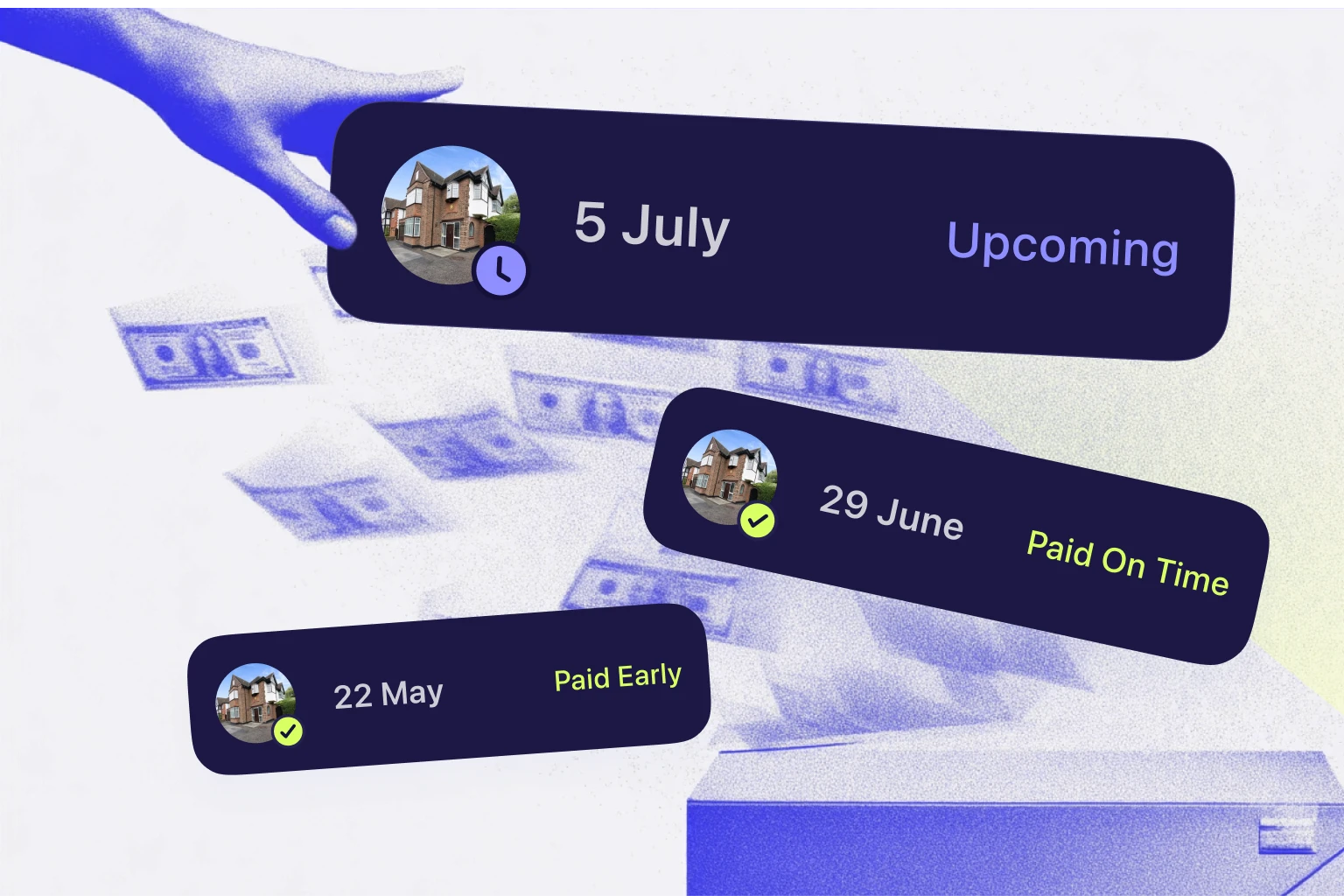
Link your bank to August and we'll automatically track your rent. You'll see exactly who's paid, what's due, and what's late. No spreadsheets required.
Your money is safe with us
We take security seriously. August uses Plaid to connect to your bank. The same technology trusted by Monzo, Revolut, and thousands of other apps.
Here's what that means for you:
We're FCA authorised. We're registered with the Financial Conduct Authority as an Account Information Service Provider. That's a fancy way of saying we're held to the highest standards.
Read-only access. We can see your transactions, but we can't move your money. Ever.
Your credentials stay private. Your login details go straight to your bank. We never see or store them.
You're in control. Disconnect anytime, either through August or your banking app.
What we can (and can't) see
We can see:
Your transactions (so we can spot rent payments)
Account name
We can't see:
Your login details
Accounts you don't choose to connect
Anything that lets us move your money
How to connect
It takes about 2 minutes:
Go to Settings -> Bank Accounts in the app
Tap "+" icon to Connect bank account
Find your bank and log in
Choose which accounts to connect
Done! Your rent tracking starts automatically
Why do I need to reconnect every 90 days?
It's the law, actually. UK Open Banking rules require you to re-confirm access every 90 days. It's designed to keep you in control of who sees your data.
What happens when it expires?
We stop receiving new transactions
Your existing data stays put
Automatic rent matching pauses until you renew
Don't worry. We'll remind you before it expires. Renewing takes less than a minute.
How to renew
Go to Settings -> Bank Accounts
Find the expired connection
Tap Renew access
Log in to confirm. That's it
Linking accounts to properties
If you've got multiple accounts, you can choose which one receives rent for each property. Here's how it works:
Set a default: New properties will use this account automatically
Override per property: Assign a different account to specific properties
Override per tenancy: Assign a different account to specific tenancies
Why would I need multiple accounts?
You might want more than one if you:
Receive rent in different accounts (personal vs business)
Manage properties for family or clients
Keep personal and company-owned properties separate
Have different investment portfolios
How to disconnect
Changed your mind? No problem.
Go to Settings -> Bank Accounts
Tap "• • •" icon under the account, and select Delete Account.
Our support team will help you through the next steps.
Common questions
Can August move money from my account?
Nope. We have read-only access. We can see transactions but can't touch your money.
Do you share my data?
Your banking data is used solely to power August. We don't sell it or share it with anyone for marketing.
I tried to select too many accounts. What now?
Just deselect a few, or upgrade your plan if you need more. We'll show you your options.
My bank isn't listed
Plaid supports most UK banks, but not every one. Drop us a message at support [at] augustapp [dot] com and we'll look into it.
What happens to my data if I cancel August?
Your historical data stays safe unless you choose to delete your account. If you come back within 2 years, you'll find everything right where you left it.
We're also required by law to keep certain financial records for 6 years for compliance purposes, but this doesn't affect how you use August.
—
Still stuck?
We're here to help. Chat with us in the app or email support [at] augustapp [dot] com.
Related Articles
Check articles from the same category