Making Tax Digital (app)
What are quarterly submissions?
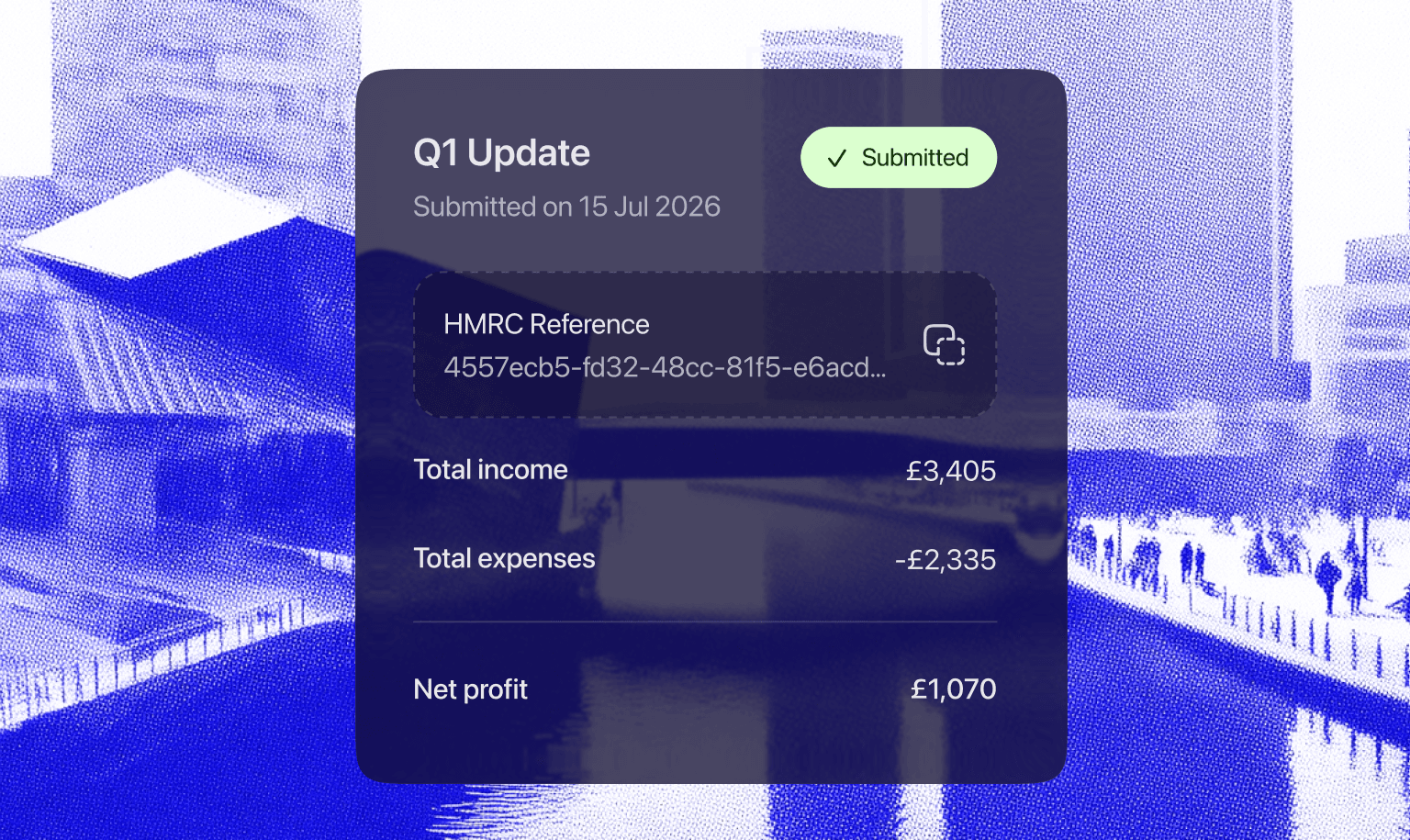
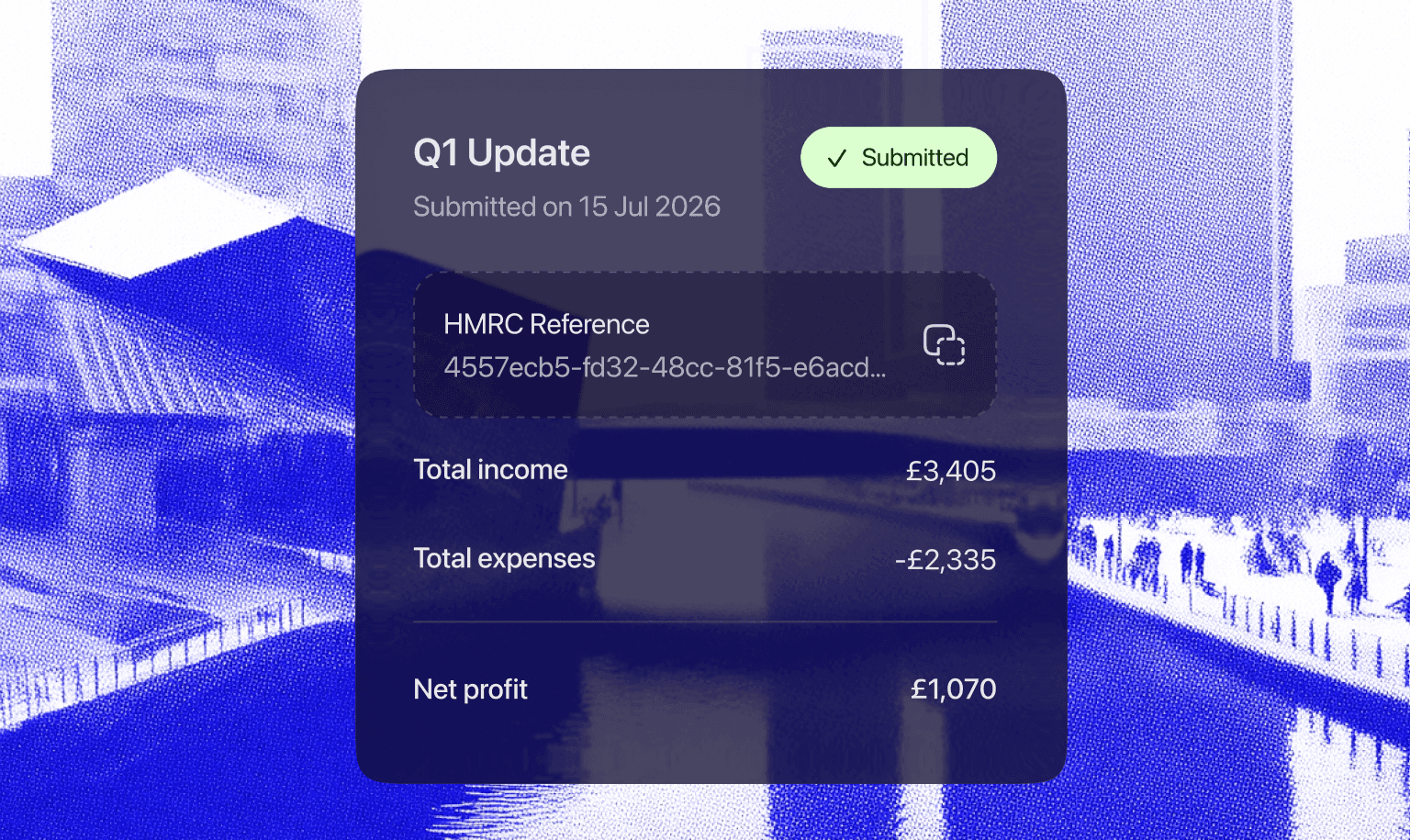
Under Making Tax Digital (MTD) for Income Tax, you need to send HMRC a summary of your property income and expenses every three months. You do this through MTD-compatible software like August. These are sometimes called quarterly updates.
These are not extra tax returns. They are light-touch summaries your August puts together from the digital records you keep throughout each quarter. You do not need to make any accounting or tax adjustments before sending them.
If you have more than one income source, for example, both UK property income and self-employment income, you will need to send a separate quarterly update for each one.
How the cumulative model works
HMRC uses a cumulative approach. Each update you send covers the entire tax year so far, from 6 April up to the end of the current quarter, rather than just the three months since your last update.
In practice, this means:
Your Q1 update covers 6 April to 5 July.
Your Q2 update covers 6 April to 5 October (not just 6 July to 5 October).
Your Q3 update covers 6 April to 5 January.
Your Q4 update covers 6 April to 5 April, the full tax year.
Each new submission replaces the previous one because it contains your full year-to-date figures. If you need to correct something from an earlier quarter, you can simply include the corrected figures in your next update. There is no need to go back and amend a previous submission.
Quarterly periods and deadlines
The standard quarterly periods follow the tax year (6 April to 5 April). You have roughly one month after each period ends to submit your update.
Quarter | Period covered | Deadline |
Q1 | 6 April – 5 July | 7 August |
Q2 | 6 July – 5 October | 7 November |
Q3 | 6 October – 5 January | 7 February |
Q4 | 6 January – 5 April | 7 May |
Nothing to report?
If you had no rental income or expenses during a quarter, you still need to send an update. Your software will submit a nil return for that period.
Who needs to use MTD for Income Tax?
MTD for Income Tax is being introduced in stages, based on your total qualifying income from self-employment and property:
From 6 April 2026: landlords and sole traders with qualifying income over £50,000.
From 6 April 2027: those with qualifying income over £30,000.
From 6 April 2028: those with qualifying income over £20,000.
Qualifying income means your gross income (before expenses) from self-employment and property combined.
What if I submit late?
HMRC uses a points-based penalty system for late submissions:
You receive one penalty point for each quarterly update or tax return you submit late.
Once you reach 4 penalty points, you receive a £200 penalty.
Each further late submission after reaching the threshold also triggers a £200 penalty.
Good to know — first-year grace period (2026–27): If you are joining MTD for Income Tax from 6 April 2026, HMRC will not apply penalty points for late quarterly updates during your first 12 months. This gives you time to settle into the new process. However, penalties for late tax returns still apply, and you must submit all four quarterly updates before you can submit your final declaration. |
What you need to do now
Check if you are affected: Review whether your total qualifying income from property and self-employment exceeds the relevant threshold.
Sign up ahead of time: If you need to use MTD from 6 April 2026, HMRC recommends signing up in advance so you are ready.
Start keeping digital records: Use your August to record all property income and expenses digitally from the start of the tax year.
Related Articles
Check articles from the same category